We have some updates for you again. The most important in a nutshell:
Set deadlines are now visually highlighted as they approach
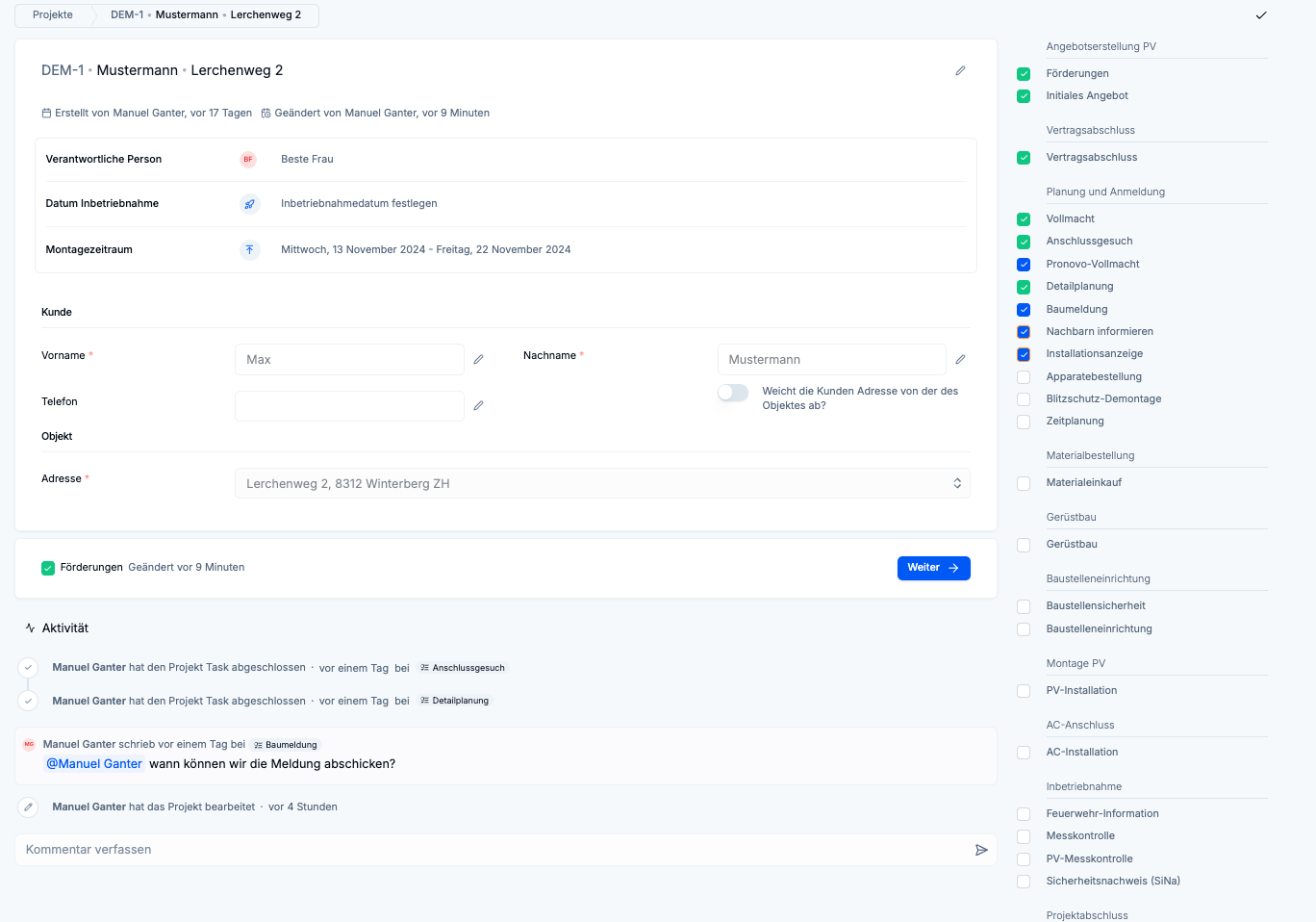
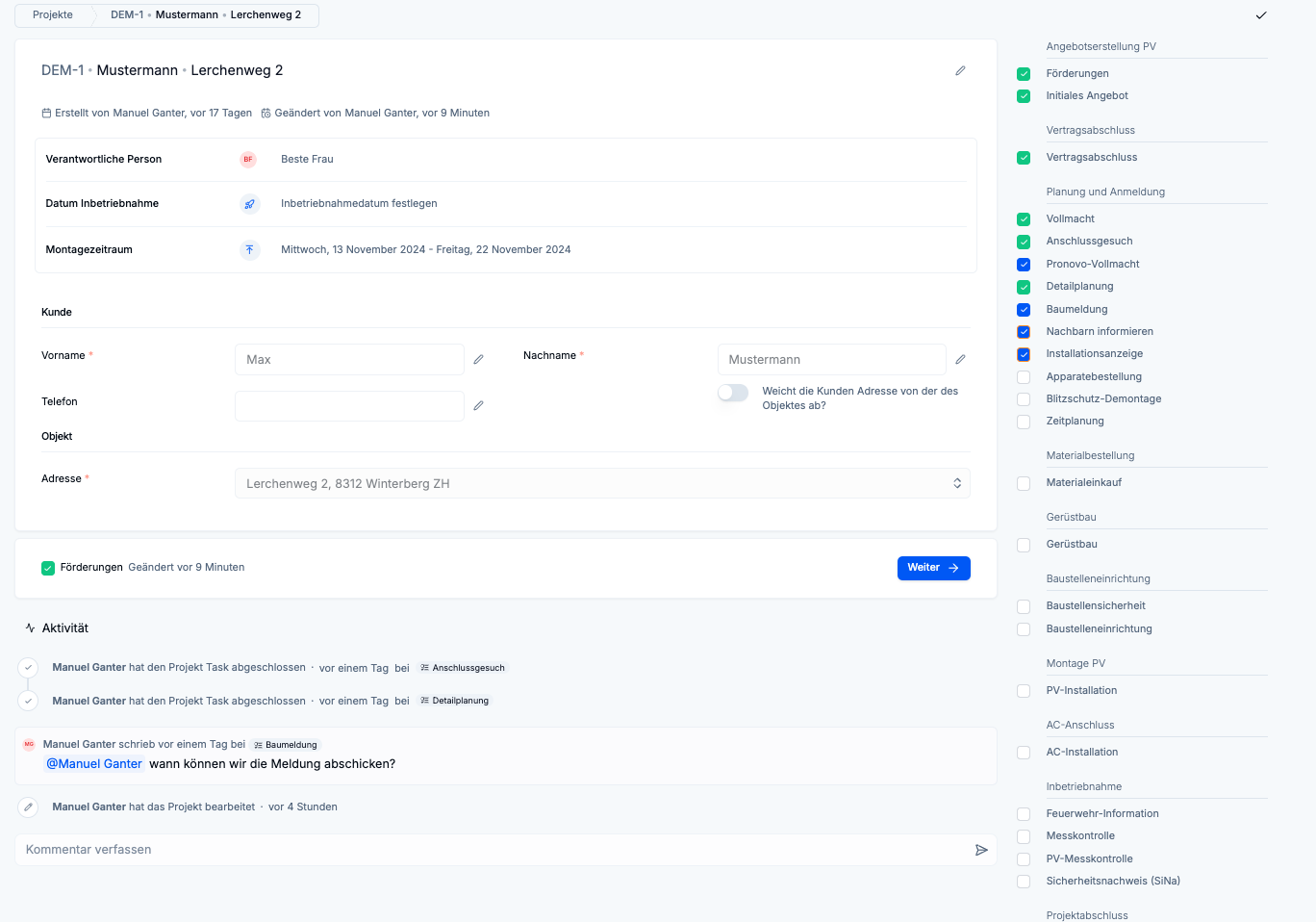
New clearer layout for project and task
Template builder further improved
System checklists can now be used as templates
New document categories added
Task management with deadlines
The project overview and project view now highlight in color when tasks are close to the deadline. Specifically, there are three options:
More than 3 days until the deadline -> No warning
Less than 3 days until the deadline -> Orange circle
Deadline passed -> Red pulsating field
This allows you as the project manager or person responsible for the project to easily see at a glance which tasks require your attention.
New layout for project and task page
Based on your feedback (thank you very much!) we have changed the layout of the project and task pages. You will now find the activities together with the comments at the bottom of the page and the "action buttons" directly next to the respective form.
We have added the link to the file manager to the menu bar.
Template Builder further improved
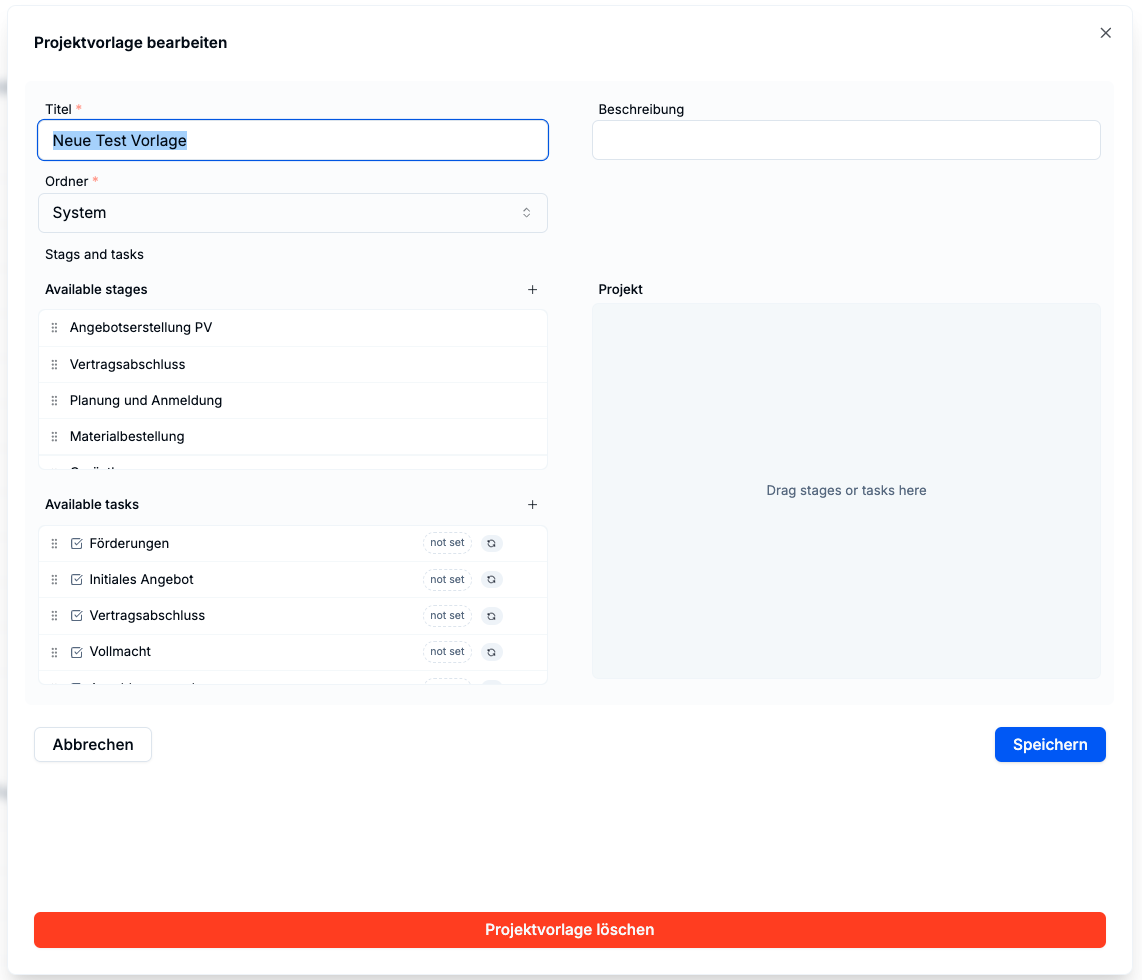
We have continued to work on our template builder and fixed a few bugs. Now you can easily create your project templates via drag-n-drop. If you encounter any further problems or suggestions for improvement, please let us know!
System checklists can now be used as templates
When creating checklists, you can now use our system checklists as templates and edit them further. This saves valuable time and allows you to quickly create new checklists for yourself.
New document categories introduced
We have expanded the available document categories. Among other things, there are now also categories for
Connection request
Installation notification / Appliance order
Offer
String plan / installation plan
and some more.
Major bugs we still have to work on
Invitations to users are currently not sent
In the template builder, dragging the task "Initial offer" leads to an error
Outlook
We received a lot of valuable feedback at the Solar Update and will restructure ourselves accordingly in the coming weeks. As soon as we have a clearer roadmap, we will communicate it to you.